Cursor vs GitHub Copilot: A Platform Team's Verdict
Summary
Cursor vs GitHub Copilot comes down to who owns the agent loop. Copilot wins for most platform teams: it runs in the editors you already support, its cloud agent and code review live inside GitHub pull requests, and entry pricing is half of Cursor's. Cursor wins on in-editor agent depth and model choice, but its October 2026 move to X Subscription pricing under SpaceX ownership makes seat budgeting and vendor review harder. Prices below were checked on October 26, 2026.
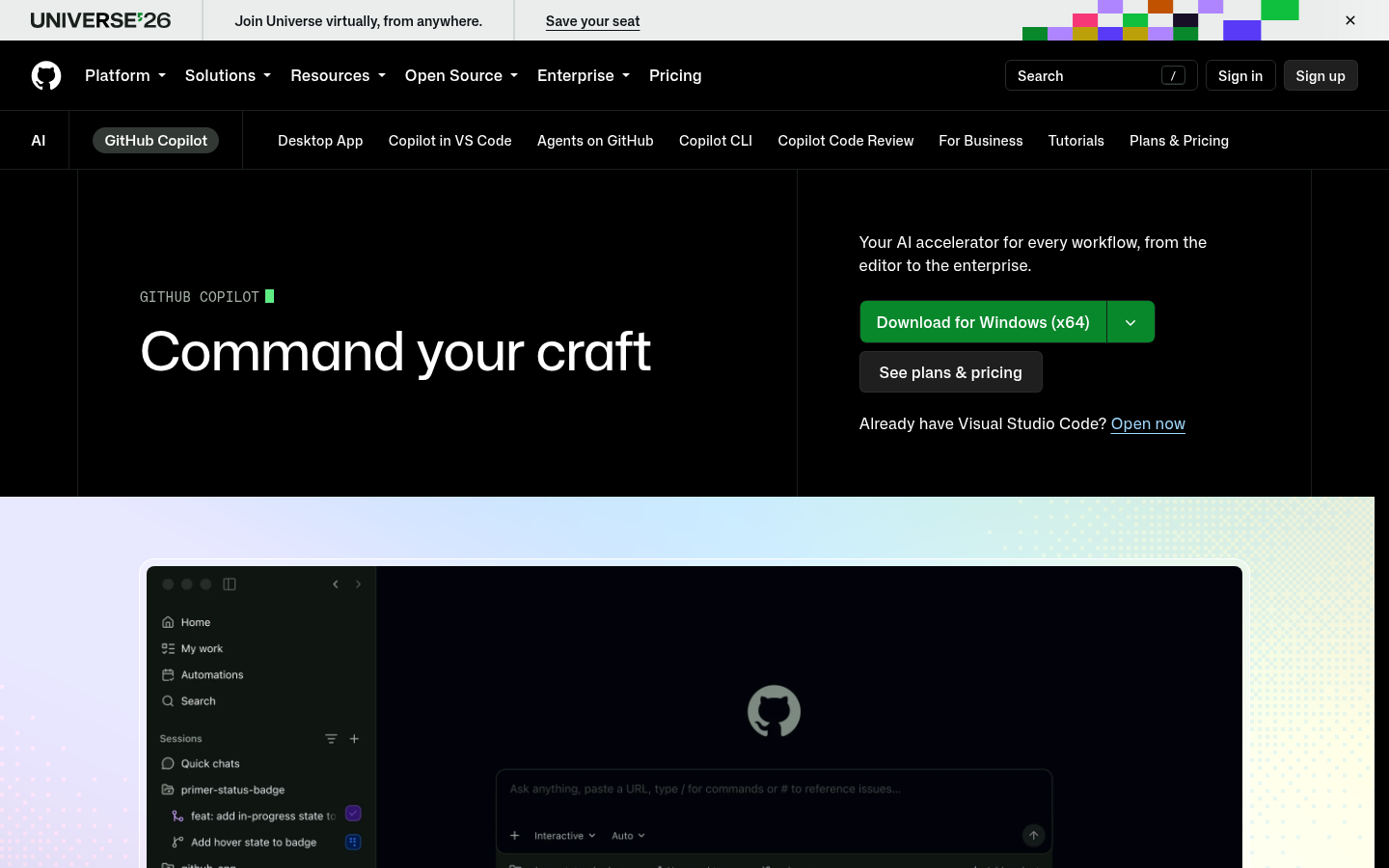
GitHub Copilot
- Runs in VS Code, Visual Studio, JetBrains, Xcode, Eclipse, Neovim and Zed, so standardizing does not force an editor migration
- Cloud agent turns an assigned issue into a pull request, and code review runs inside the PR where your branch protections already live
- Entry plans cost roughly half of Cursor's, and completions stay unlimited on paid plans without touching the credit balance
- Model choice spans Anthropic, OpenAI, Google and xAI models, with audit logs available from Pro+
- Metered AI Credits mean heavy agent use can burn through the monthly allowance, and the included pools are not shared org-wide on individual plans
- Agent loops inside the editor feel more conservative than Cursor's on large multi-file refactors, per roundups that tested both
- No bring-your-own-key option, so you cannot route spend through your own provider contract
The safer default for a team that already reviews and merges in GitHub; you give up some agent depth to get it.
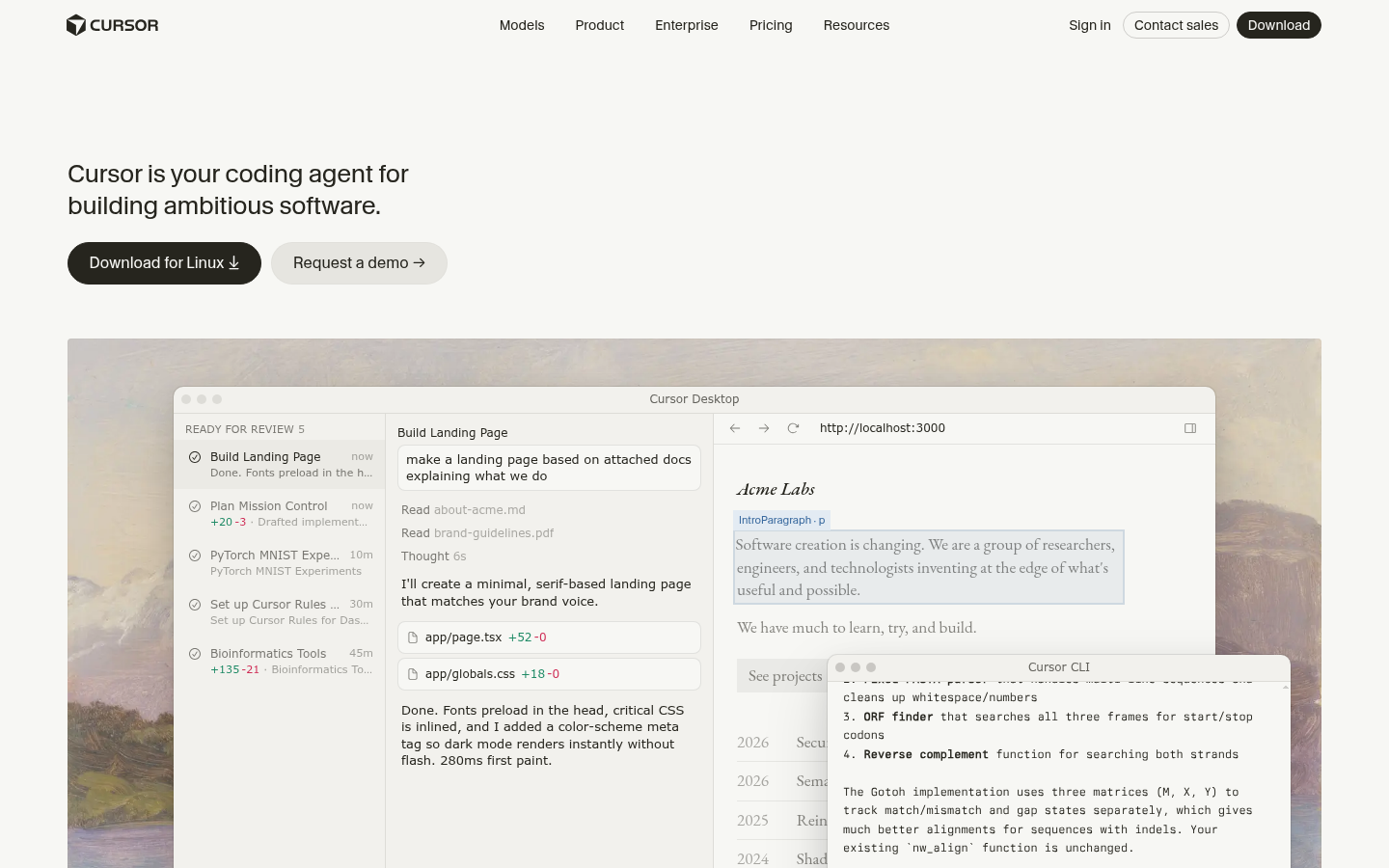

Cursor
- Deepest in-editor agent experience of the two, with parallel agents and cloud agents on Premium and above
- Bugbot reviews pull requests for logic errors, security issues and race conditions
- Third-party frontier models stay available at API list price, and bring-your-own-key is supported
- Enterprise adds SCIM, audit logs, and repository, model and MCP access controls
- Pricing page was replaced on October 12, 2026 by the X Subscription, so plan names, seat prices and usage pools differ from last quarter's documentation
- Third-party model usage is billed separately by usage on top of the plan, which makes a team budget hard to forecast
- Governance features such as SCIM, audit logs and access controls sit behind Enterprise, and the product is centered on its own editor
Strongest tool for the individual engineer, harder to defend in a vendor review and a seat budget.
At-a-glance
| GitHub Copilot | Cursor | |
|---|---|---|
| Entry and team pricing | Free $0; Pro $10/mo; Pro+ $39/mo; Max $100/mo; Business $19/user and Enterprise $39/user per catalog | Free tier; Premium $30/mo; Super $100/mo; Ultra $200/mo; Teams from $30/seat; Enterprise custom |
| Editor and IDE coverage | VS Code, Visual Studio, JetBrains, Xcode, Eclipse, Neovim, Zed, github.com and a CLI | Its own editor, plus a CLI; JetBrains, Neovim and Xcode teams get little value |
| Agent execution model | Cloud agent takes an issue and opens a pull request; agent mode in the editor; programmatic CLI mode | Parallel in-editor agents plus cloud agents and automations on Premium and above |
| Pull request review | Native code review inside GitHub pull requests on Pro and above | Bugbot reviews PRs; included from Premium up, with usage drawn from your pool |
| Governance and admin controls | Audit logs from Pro+; org-wide policy and model governance on Business and Enterprise | SSO on Teams; SCIM, audit logs, and repo, model and MCP access controls on Enterprise only |
| Billing and model choice | Monthly AI Credits ($15 on Pro, $70 on Pro+, $200 on Max); models from Anthropic, OpenAI, Google and xAI; no BYOK | Weekly usage pool; third-party models billed at API list price on top; BYOK supported |
Verdict
GitHub Copilot is the pick for most platform teams. It meets engineers in the editors you already support, puts agent work and review inside GitHub pull requests, and costs about half as much at the entry tier. Cursor still wins on agent depth, parallel sessions and model flexibility, which matters for individual engineers doing heavy refactors. If your risk review depends on a stable vendor and a predictable seat bill, Copilot is the easier one to defend.
How we tested
This is a desk comparison, not a benchmark. We did not run our own head-to-head coding suite, and we say so because the usual speed claims do not decide platform purchases. We scored each tool on six axes a platform team signs off on: pricing and seat model, editor coverage, agent execution, pull request review, governance controls, and billing and model choice. Pricing and feature claims come from the vendors' own pages (the Cursor pricing page and the GitHub Copilot plans page, both fetched on October 26, 2026), cross-checked against independent roundups that tested both tools. Where a number is only available from a third party, such as the Business and Enterprise seat prices for Copilot, we mark it as such. Scores out of 5 are our own rubric, weighted toward governance, review integration and cost predictability, and they are not an aggregate of customer ratings. Both vendors change allowances every few weeks, so re-check the plans pages before you sign.
Cursor vs GitHub Copilot is a closer call than the price gap suggests, and for most platform teams GitHub Copilot is the better fit. It runs in the editors you already support, its cloud agent and code review live in your pull requests, and it costs about half as much at the entry tier. Cursor wins on agent depth and model choice. Pick it for individual engineers, not for a fleet.
Why a platform team asks a different question than a developer
A developer asks which tool writes code faster. A platform lead asks which tool changes the shape of the change queue. Every assistant raises the number of pull requests, and the pull request is where your gates live: required reviews, CI, SLO checks, rollout rings.
That is the lens here. We care less about autocomplete latency and more about where the agent runs, who reviews its output, and what the admin can see afterwards. At upstreamapi we think about this as blast radius: more changes per day means each gate has to hold up under more traffic.
Where each tool actually runs the agent
Copilot's agent work is organized around GitHub. You assign an issue, the cloud agent works on it and opens a pull request, and the same pull request gets Copilot code review. Copilot CLI also has a programmatic mode, which matters if you want scripted use. Because it is available in VS Code, Visual Studio, JetBrains, Xcode, Eclipse, Neovim and Zed, you do not have to pick an editor for the whole org.
Cursor runs the loop inside its own editor, a fork of VS Code. You can run several agent sessions in parallel, and cloud agents and automations are included from the Premium plan up. It also ships a CLI. The center of gravity is still the editor, so teams on JetBrains or Neovim get less out of it.
Price: the gap is real, but the unit changed
At the entry tier the gap is simple. Copilot Pro is $10 a month with $15 of monthly credits; Cursor's Premium is $30 a month. Copilot Pro+ is $39 and Max is $100. Cursor's Super is $100 and Ultra is $200.
The harder part is the unit. Copilot meters agent mode, code review and the CLI in AI Credits, and completions stay unlimited on paid plans. Cursor refreshes a usage pool weekly and bills third-party models at API list price on top. Neither model is predictable for a heavy agent user, but Copilot's credits are at least a stated allowance per seat.
For teams, Copilot Business is listed at $19 per user and Enterprise at $39 per user. Cursor Teams starts at $30 per seat. We could verify the Cursor seat price live; the Copilot Business and Enterprise prices come from the product catalog and independent roundups, so confirm them with GitHub before you commit.
The ownership change you should put in the vendor review
Cursor is now part of SpaceX. On October 12, 2026 its pricing page began selling the X Subscription, the same plan family sold for Grok, with Plus at $8 (Grok models only), Premium at $30, Super at $100 and Ultra at $200. Teams and Enterprise sit on top.
Nothing here says the product got worse. It does mean the plan names, pools and seat prices your documentation described last quarter no longer match the page. If your procurement process asks about data handling and roadmap risk, expect a longer conversation with Cursor than with GitHub.
Governance: the one place the gap is structural
Cursor's SCIM, audit logs, and repository, model and MCP access controls sit on Enterprise. Teams adds SSO and admin, which is enough for a small group and thin for a regulated one.
Copilot adds audit logs from Pro+, and org-wide policy and model governance on Business and Enterprise. Pooled usage across an organization is not included on the individual plans, so spend control needs the business tiers.
Where Cursor clearly wins
Be honest about this part. Roundups that used both tools consistently put Cursor ahead on multi-file refactors and parallel agent sessions, and on how many models you can switch between per request. Bring-your-own-key is also supported, which Copilot does not offer. If your engineers want the strongest in-editor agent and your org can absorb the vendor questions, Cursor is a defensible choice.
What to do on Monday
Run both on the same service for two weeks, and measure the thing your gates measure: change failure rate and time to revert, not lines accepted. If agent-authored pull requests start to outnumber your reviewers, that is a rollout problem, and the fix is an SLO gate, not a faster autocomplete.
Which of your gates would break first if pull request volume doubled?